Your agent drives an Android emulator.
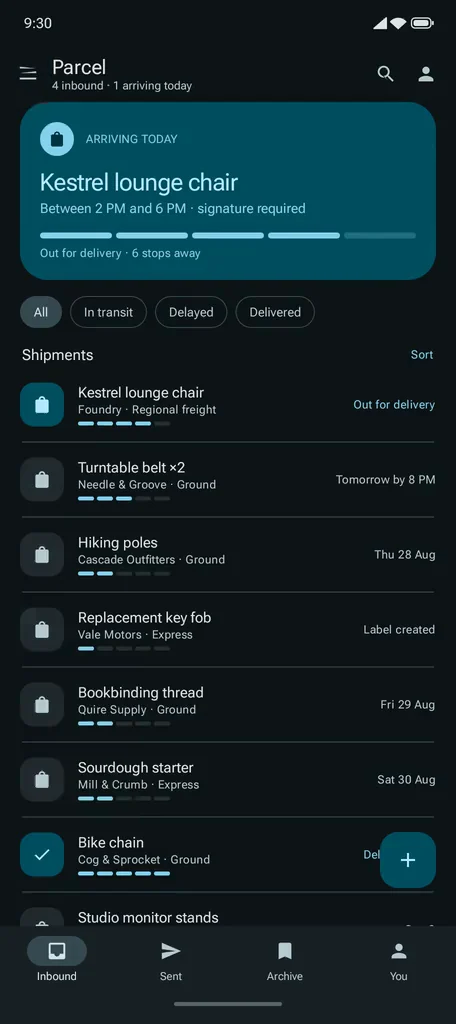
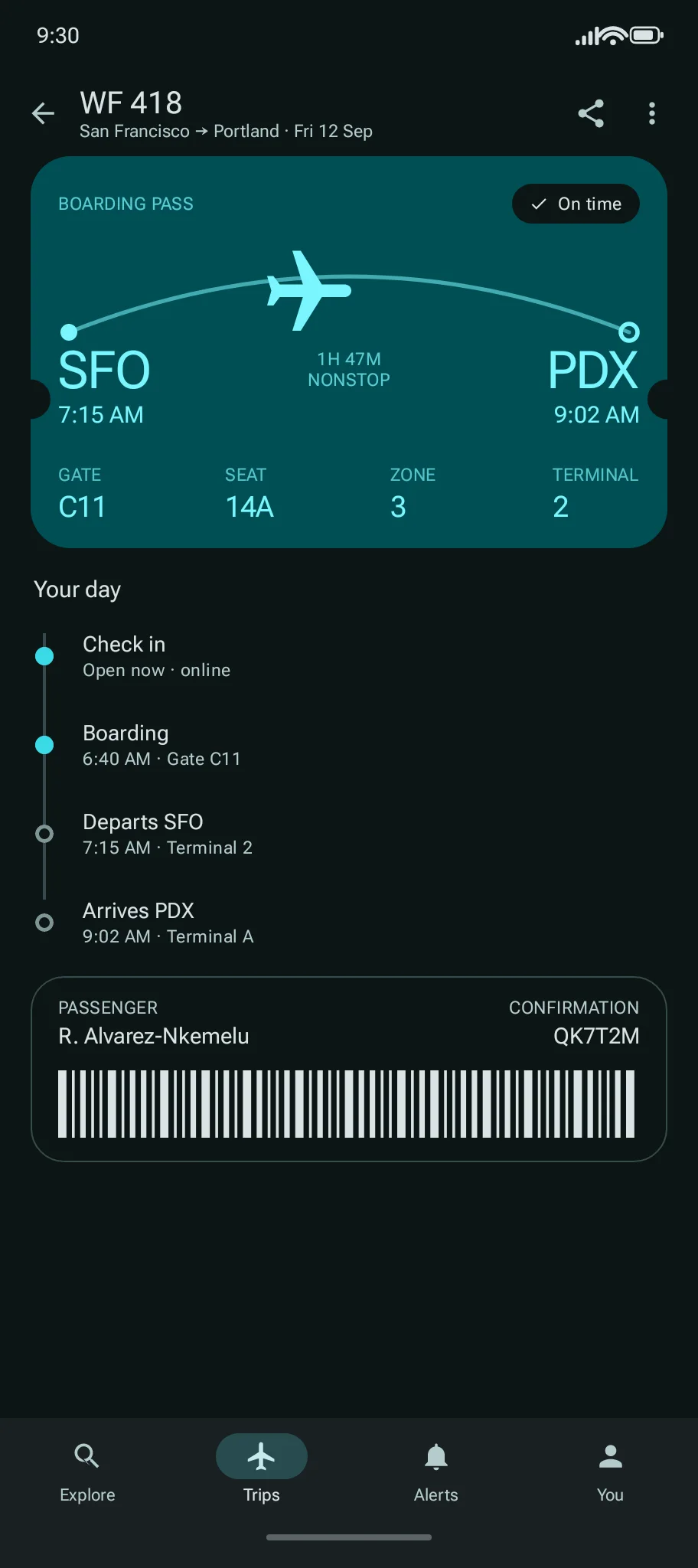
Just ask in chat. It uses the phone for you: it runs your app, finds what breaks, fixes it and checks the fix. You can watch, and use the same phone yourself.
Works with Claude Code, Codex, Cursor and ChatGPT. No Android phone or Android Studio needed.
Connect your agent.
claude mcp add --transport http ramus https://api.ramus.dev/api/mcpThen run /mcp in Claude Code and sign in with Ramus. No API key.
codex mcp add ramus --url https://api.ramus.dev/api/mcpCodex opens your browser to sign in with Ramus. To sign in again, run codex mcp login ramus.
~/.cursor/mcp.json
{ "mcpServers": { "ramus": { "url": "https://api.ramus.dev/api/mcp" } } }Save it, then sign in with Ramus when Cursor asks.
Open Ramus in ChatGPT, choose Connect, then sign in.
Then ask it to run your APK.
npm i -g ramus-cli
ramus login # opens your browser
ramus session start --apk app-debug.apkNewramus login. For cloud agents, set RAMUS_API_KEY instead.
Observe, act, verify.
Observe
It reads the screen as a list of elements, each with a
ref, and takes a screenshot when the list is not enough.Act
It taps, types, swipes and presses keys on the refs it just read. A ref from an older screen is refused.
Verify
It names the text it expects, waits for the screen to settle and reads the device log. A miss comes back as an error.
The specifics.
MCP server
https://api.ramus.dev/api/mcpSign in with your Ramus account, or send an API key as a bearer token.
CLI
New: ramus loginramus-clion npmSnapshot, tap, type and verify, with refs that refuse stale screens.
Dev loop
ramus devandramus adbHot reload for Expo, React Native and Flutter. Your local adb sees the device.
Camera and microphone
ramus cameraandramus micFeed an image or a WAV file to scan a QR code, or to test a photo upload or a voice flow.
No account yet
npx ramus-cli trialGives your agent a 15-minute sandbox. Limits are on the pricing page.
Cloud agents
Codex cloud, Cursor cloud agents, Claude Code on the web
They don't document KVM or an Android emulator, so they use a Ramus device instead. Set
RAMUS_API_KEYand add one line to AGENTS.md.AGENTS.mdTest Android changes on Ramus: https://ramus.dev/agents.md
Questions.
Do I need an Android phone or Android Studio?
No. The device runs in the cloud and opens in your browser, and your agent installs your APK on it. Only the hot-reload loop, ramus dev, uses Android tools on your computer.
Do I need an API key?
Not for agents that sign in over MCP or with ramus login. Cloud agents and CI use a key from the Agents page, set as RAMUS_API_KEY.
Can I take over from my agent?
Yes. Every device has a watch link, and your agent sends it when the device starts. Open it in any browser, with no account, to follow along; it is view-only. To take over, open your device page, signed in: the link’s page offers “Your device? Take control”. You + 3 people can be on a device at once. Your agent leaves the device running for you until 10 minutes pass without input. To let someone else use the device, your agent can make them a link that allows it.
Which clients work?
Claude Code, Codex, Cursor and ChatGPT sign in over MCP. Any other MCP client that speaks Streamable HTTP can connect, and any agent with a shell can use the CLI.
Can my agent upload an APK from my machine over MCP?
Yes, if the agent has a shell. android_upload_apk returns a one-time curl command that uploads the file, and android_start_session or android_install_app then uses it. The adb tunnel and ramus dev need the CLI.
What does it cost?
Free includes 30 minutes a month. Pro is $10 a month for unlimited minutes and two devices at once.